

Watch sending, server health and problems from a single window. Go from the big picture down to a specific node, queue or bounce.
MTA-Hub/Dashboard
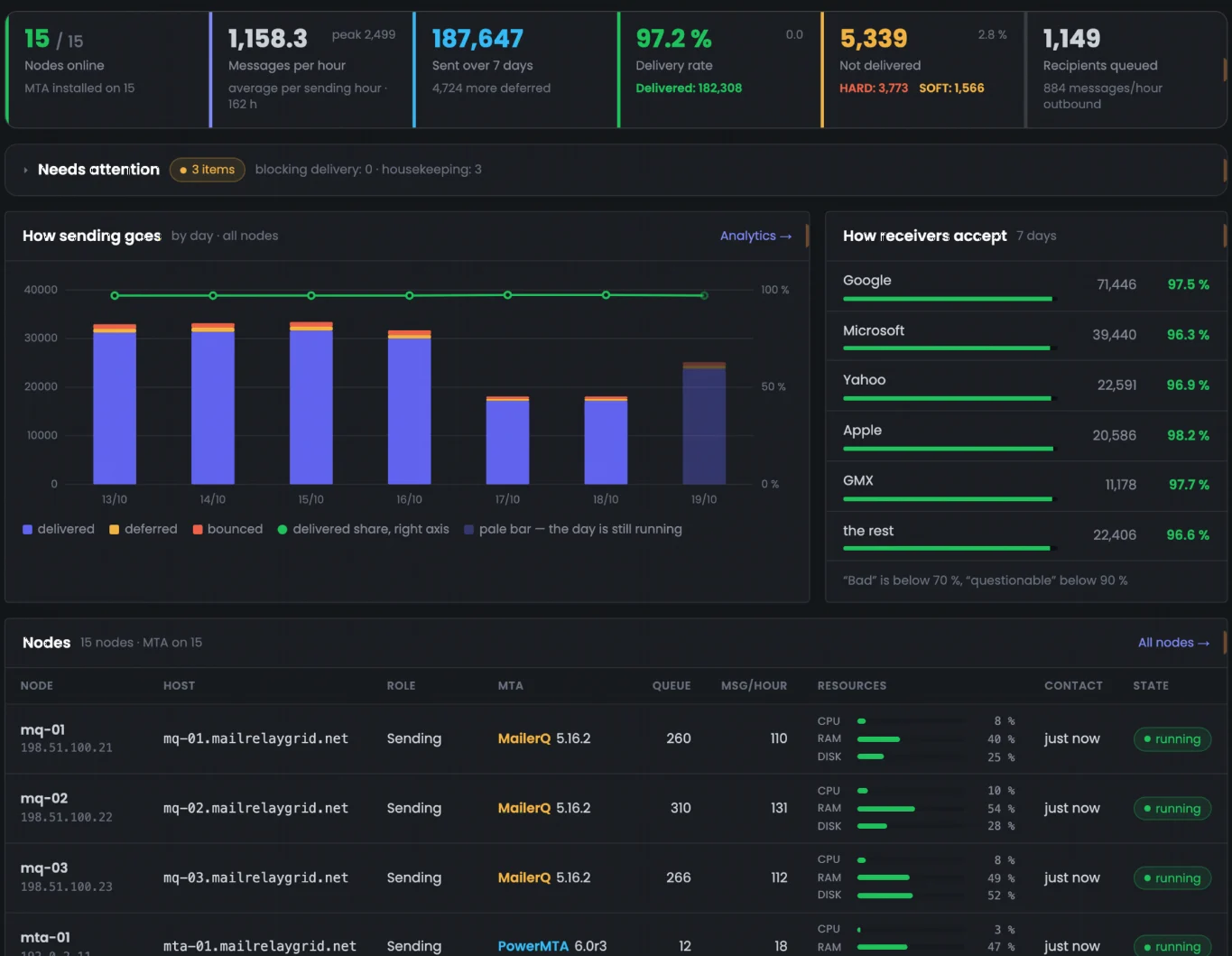
The big picture first. Sending trends, node availability and queues show you where attention is needed.
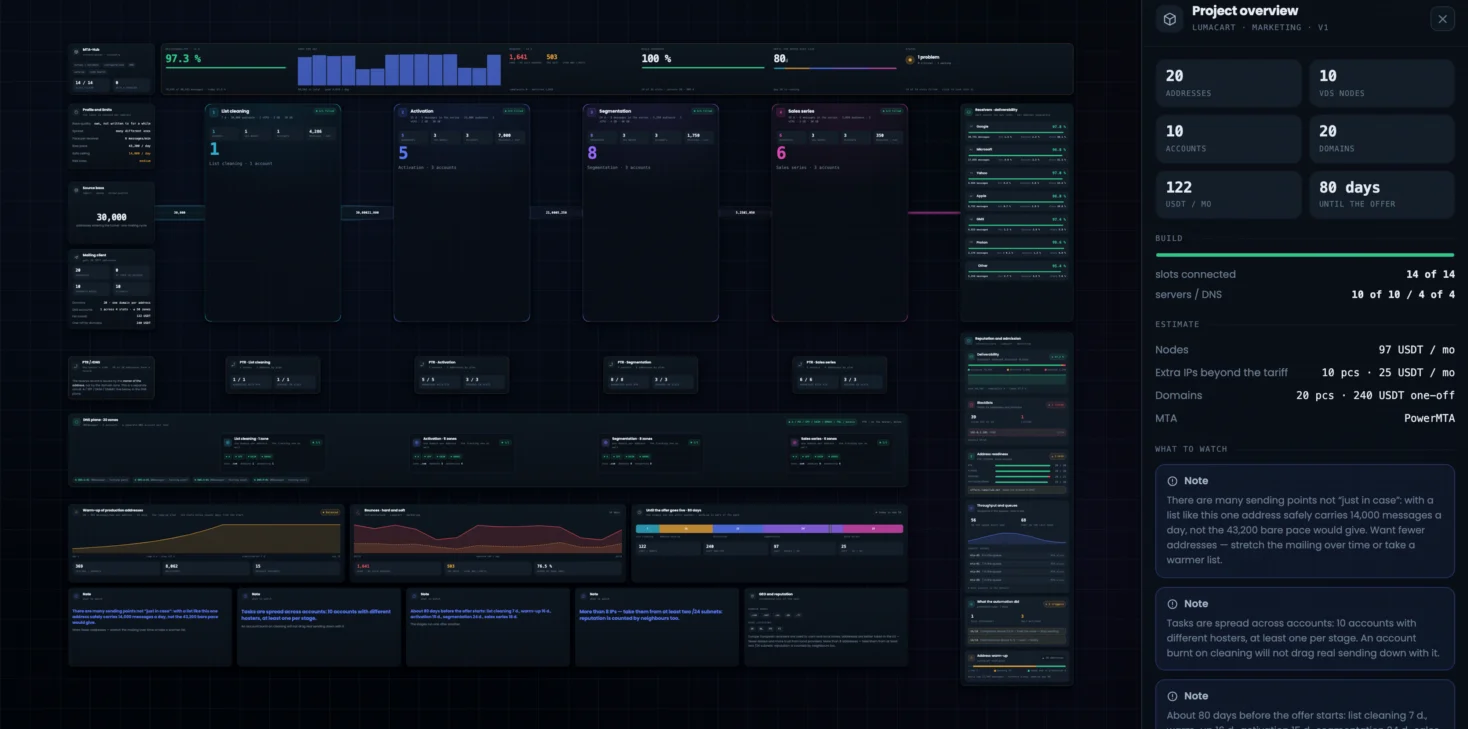
See how everything connects. A visual plan brings together work stages, resources, domains and load estimates.
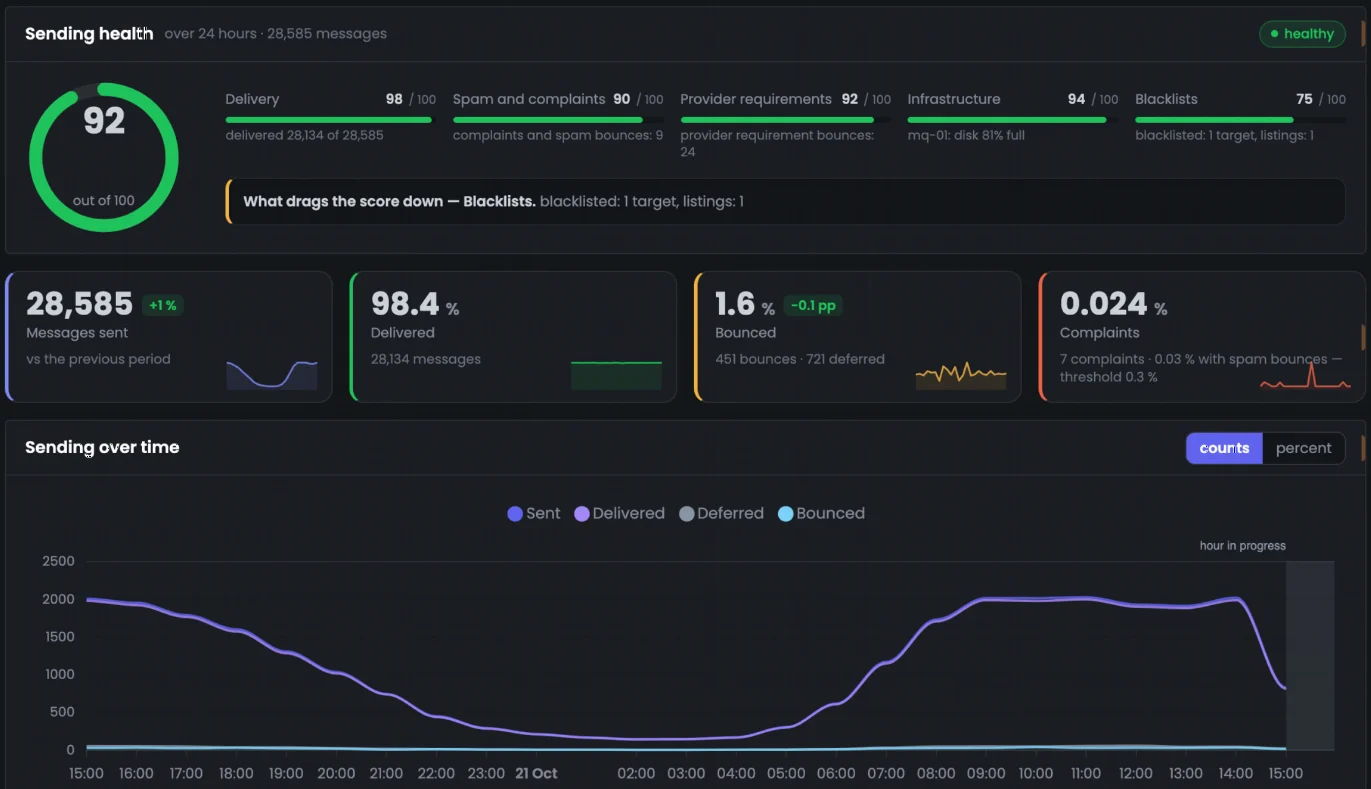
Results in detail. Deliveries, bounces, complaints and the hourly sending curve on one screen.
Screenshots of the live MTA-Hub interfaceScroll the screen to see more ↓
How it works
From a task to professional infrastructure
You set the parameters. The Hub helps you get from sizing to day-to-day control.

01
Planning
02
MTA installation
03
Warm-up
04
SMTP export
05
Control
Behind every step is work the Hub takes off your hands: it sizes the server set for the volume you need, installs PowerMTA or MailerQ, configures SPF, DKIM, DMARC and reverse DNS, runs the warm-up on schedule and adjusts the pace to how mailbox providers respond. Ready SMTP connections go into your email platform — Protosender, Mumara, Interspire or MailWizz — while queues, bounces and the deliverability of every node stay visible in one panel.
The Hub prepares the infrastructure and hands SMTP connections over to your email platform. You run your campaigns there.
01
MTA installation and setup
The Hub checks the server, installs the MTA and prepares a working configuration.
PowerMTA
Ubuntu · Debian · Rocky
MailerQ
RabbitMQ + PostgreSQL
Check
Install
Configure
ResultReady SMTP connections
02
Ready SMTP export
Pick connections and send them to the email platform you already run.
Protosender
Available
Interspire
Available
Mumara
Available
MailWizz
Available
ResultSMTP in your platform
FAQ
Questions before you start
About the product, installation and getting started.
01How is MTA-Hub different from an email marketing platform?
The Hub installs and configures MTAs, manages your SMTP infrastructure and exports ready SMTP connections. Campaigns and messages stay in your email platform.
02Where is MTA-Hub installed?
It is self-hosted software: the panel is installed on your own server. Access credentials, keys and databases stay with you.
03Which MTAs are supported?
PowerMTA and MailerQ. A PowerMTA license is purchased separately from the vendor.
04Can I connect an existing infrastructure?
Yes. The Hub adds your servers as nodes and shows their health, configurations and the infrastructure diagram. Each server is checked before any settings are applied.
05Is the Hub suitable for a first launch?
Yes. The Specification helps you size resources, then the Hub installs the MTA, sets up domains and helps you run the warm-up to plan.
06Where can I see the interface?
The Interface section on this page shows screenshots of the MTA-Hub panel, and every screen is covered in detail under Modules.
07How do I choose a license?
Every plan includes all modules — plans differ by term, support and updates. See the Pricing page for details; a PowerMTA license is purchased separately.
Your SMTP infrastructure under your control
Work out what your task needs: nodes, addresses, domains and a cost estimate.
The estimate commits you to nothing.